
Bosch Dishwasher Reset Button
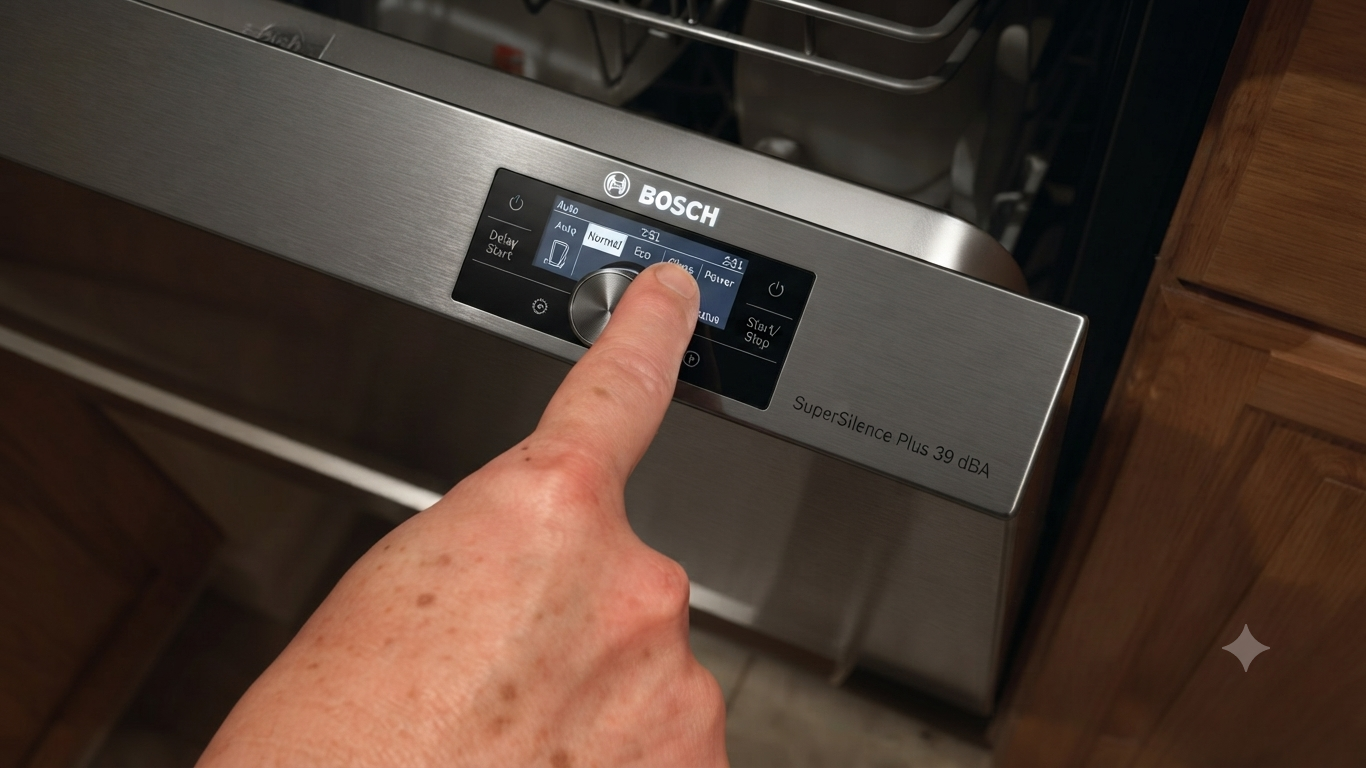
If your Bosch dishwasher won’t start, won’t drain, or displays an error code, a reset is often the quickest solution. Most Bosch dishwashers do not have a dedicated physical reset button. Instead, they use a button combination that restarts the control panel.
This guide explains exactly how to reset your Bosch dishwasher, when you should do it, and what to try if the reset doesn’t solve the problem.
Read More: Bosch Dishwasher Child Lock Removal Guide
How to Reset a Bosch Dishwasher
Follow these simple steps:
- Press and hold the Start button for 3–5 seconds.
- Wait until the display clears or the drain pump finishes running.
- Close the dishwasher door.
- Allow the reset cycle to complete.
- Select a new wash program.
- Press Start again.
For many models, this completes the reset in less than one minute.
Where Is the Bosch Dishwasher Reset Button?
There isn’t usually a dedicated reset button.
Instead, the reset function is activated using one of these methods:
- Hold the Start button.
- Press and hold Start/Reset (on some models).
- Use the button combination printed on the control panel.
The exact method depends on your Bosch dishwasher model.
Why Reset a Bosch Dishwasher?
Resetting can solve several common problems.
These include:
- Dishwasher won’t start
- Cycle is stuck
- Control panel frozen
- Error code after power outage
- Buttons not responding
- Program interrupted
- Dishwasher won’t drain after cancellation
A reset clears temporary electronic glitches without affecting the appliance.
How Long Does a Bosch Dishwasher Reset Take?
Most resets take between 30 seconds and 2 minutes.
If the dishwasher begins draining, allow it to finish before selecting another cycle.
Bosch Dishwasher Reset After a Power Outage
If your dishwasher stopped working after losing power:
- Turn the dishwasher off.
- Wait one minute.
- Restore power.
- Hold the Start button for 3–5 seconds.
- Restart the wash program.
This restores normal operation in many cases.
Bosch Dishwasher Won’t Reset
If the reset doesn’t work:
- Check the power supply.
- Ensure the door is fully latched.
- Verify the child lock isn’t enabled.
- Turn off power at the circuit breaker for five minutes.
- Restore power and try again.
If the dishwasher still doesn’t respond, the issue may involve the control board, door latch, or another component requiring diagnosis.
How to Hard Reset a Bosch Dishwasher
A hard reset can help when the control panel is completely unresponsive.
Steps:
- Turn off the dishwasher.
- Switch off the circuit breaker.
- Wait five minutes.
- Restore power.
- Turn the dishwasher back on.
- Run a short wash cycle.
This fully restarts the electronic controls.
Bosch Dishwasher Reset Button by Model
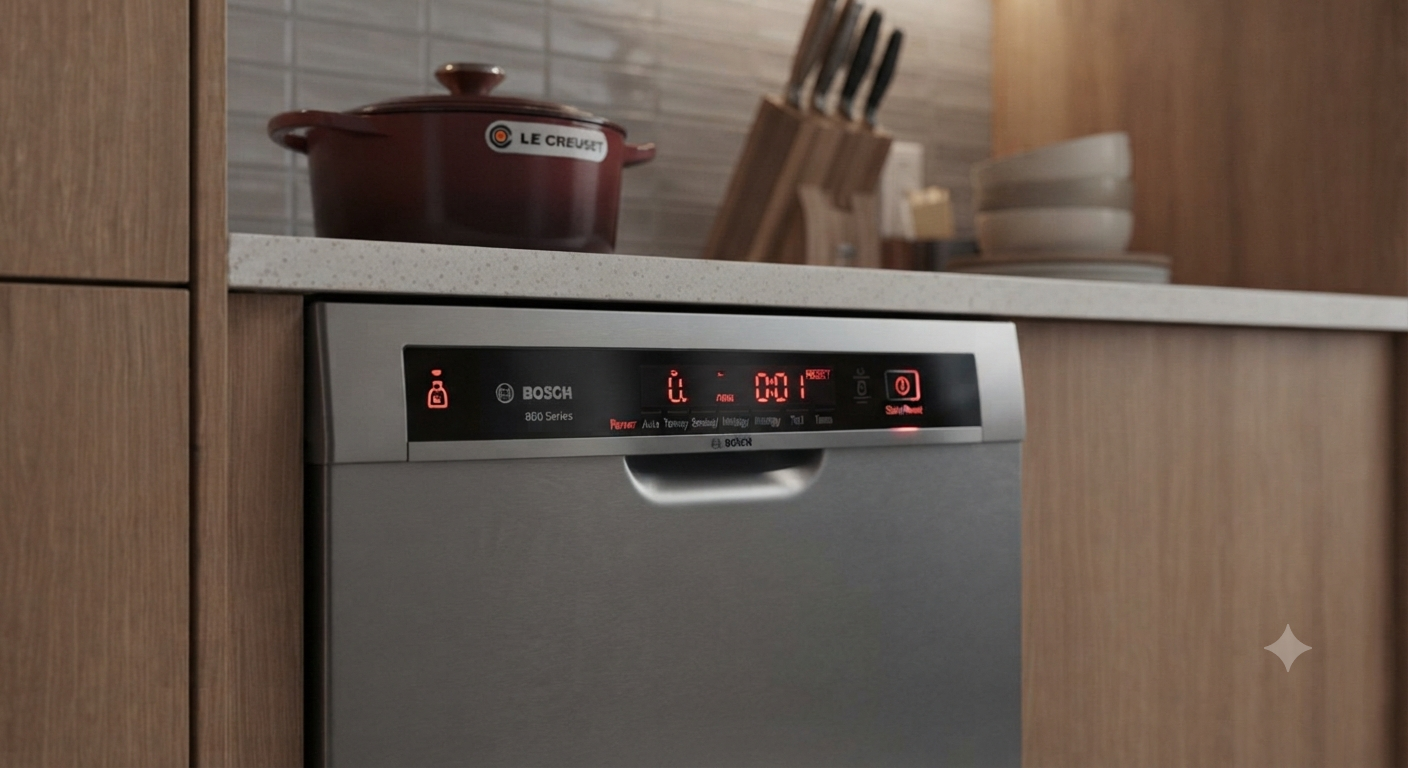
Although most Bosch dishwashers reset similarly, the controls may differ.
Typical methods include:
| Bosch Model Type | Reset Method |
|---|---|
| Series 100 | Hold Start for 3–5 seconds |
| Series 300 | Hold Start/Reset button |
| Series 500 | Hold Start until display clears |
| Series 800 | Hold Start for several seconds |
| Integrated models | Use Start button with door closed |
Always check your owner’s manual for model-specific instructions.
When a Reset Will Not Fix the Problem
A reset cannot repair hardware faults.
You may need further troubleshooting if you notice:
- Water leaks
- Burning smell
- Loud grinding noises
- Broken door latch
- Damaged control board
- Failed drain pump
- Faulty water inlet valve
These issues typically require repair or replacement.
Common Bosch Dishwasher Problems Solved by Resetting
Many owners successfully reset their dishwasher after experiencing:
- Dishwasher won’t drain
- Dishwasher won’t start
- Flashing lights
- Stuck wash cycle
- Error after power outage
- Frozen control panel
- Interrupted cleaning cycle
If these symptoms return frequently, the appliance may require servicing.
Maintenance Tips to Prevent Future Problems
Keeping your dishwasher maintained helps reduce unexpected resets.
Best practices include:
- Clean the filter every month.
- Remove food debris from spray arms.
- Use the recommended dishwasher detergent.
- Avoid overloading dishes.
- Inspect the door seal regularly.
- Run a dishwasher cleaner every few months.
Routine maintenance improves cleaning performance and extends appliance life.
Frequently Asked Questions
Does every Bosch dishwasher have a reset button?
No. Most Bosch dishwashers use the Start button as the reset function rather than a separate reset button.
Why is my Bosch dishwasher blinking but not starting?
This often indicates an interrupted cycle, door latch issue, child lock, or temporary electronic fault. A reset is a good first troubleshooting step.
Can unplugging a Bosch dishwasher reset it?
Yes. Disconnecting power for about five minutes can perform a hard reset on many models.
Will resetting erase dishwasher settings?
No. A reset cancels the current cycle but does not permanently erase the dishwasher’s programming.
Why won’t my Bosch dishwasher respond after resetting?
Possible causes include:
- No electrical power
- Faulty door switch
- Child lock enabled
- Control board malfunction
- Internal component failure
Further diagnosis may be needed.
Final Tip
Most Bosch dishwashers do not include a dedicated reset button. Holding the Start button for several seconds is the standard reset method and solves many temporary electronic issues. If repeated resets are needed or the dishwasher continues showing the same problem, the underlying issue is likely mechanical or electrical and should be investigated before further use.